YOU WILL LEARN
✓
Say what you want in your own words
✓
Each reply says what it changed
✓
Nothing goes public until you publish
You don't need to know where a setting lives to change it. The assistant in the builder changes your draft for you, the way you would ask a colleague. Each reply says what it changed, and you can take any change back.
In the screenshots, Meera, who runs Petal Street, a flower studio in Pune, asks for a shorter headline and a clearer button.
Ask in your own words
The Assistant sits on the left of the builder, below the list of sections. Meera thinks her headline runs a little long, and her main button could say more. So she simply says so.
- Click the Ask for a change box.
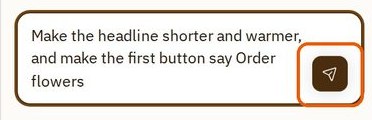
- Type what you want, in your own words. Meera wrote: "Make the headline shorter and warmer, and make the first button say Order flowers".
- Press the send button at the right of the box.
See what changed
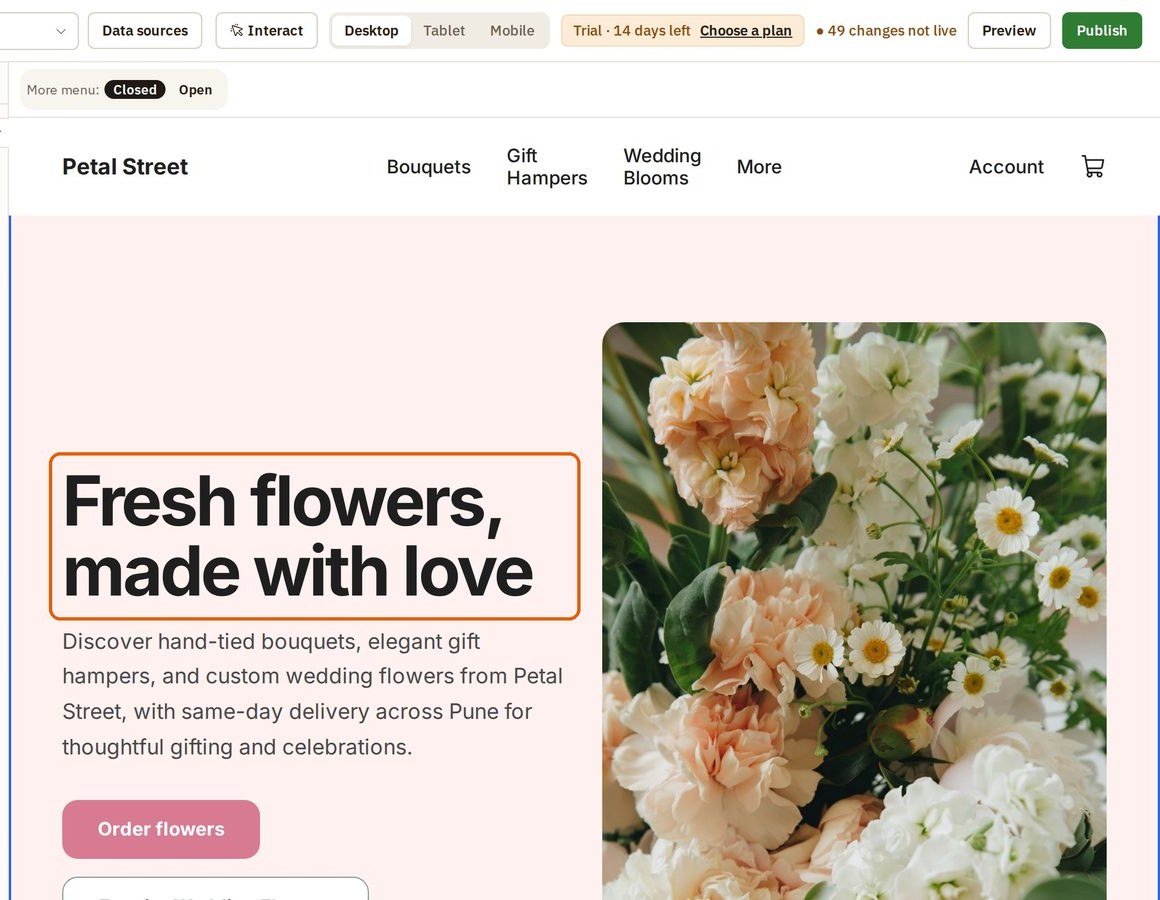
The change shows straight away, on the page. Petal Street now has a shorter headline, "Fresh flowers, made with love", and an Order flowers button.
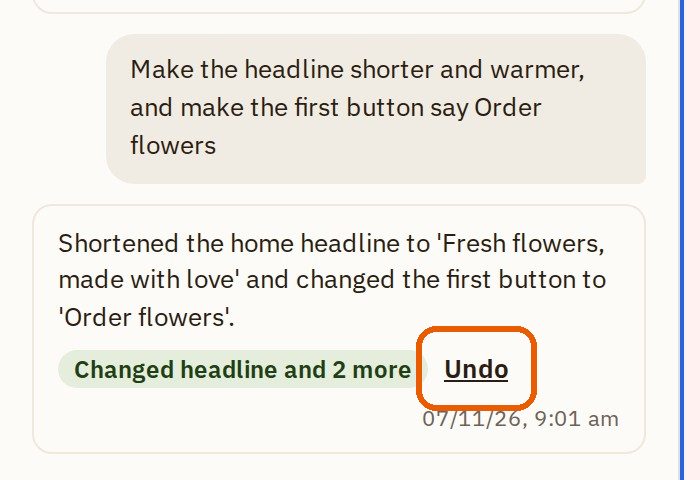
Every reply tells you what it changed, so nothing happens behind your back. Here it reads: "Shortened the home headline to 'Fresh flowers, made with love' and changed the first button to 'Order flowers'." Below the reply, a green label sums it up, such as Changed headline and 2 more, with the time it was made.
Your request stays in the conversation above the reply, so you can always see what you asked for and what you got.
Change your mind
Not quite right? Ask again in your own words, or press Undo under the reply to take it back.
It is still only a draft, so nobody else has seen it. Try it with anything you would like to change.
Was this tutorial helpful?
‹ Previous
Publish your store and go liveIN THIS TUTORIAL
AI websites with native commerce. Pages, blog, store, payments and GST invoices in one place, built from a short description.
Start free for 14 days →© 2026 Opmiz · WriterBabu Online Services Private Limited. All rights reserved.
Prices in INR, before 18% GST · Made in Patna, India