YOU WILL LEARN
✓
New sale is on the Pro plan
✓
Search, tap, name, and how they paid
✓
Counter sales join your other orders
If customers also walk into your shop or phone you, you can ring those sales up in Opmiz too. You pick the products, add the customer's name and how they paid, and complete the sale. At the end, the sale is in your Orders with your website orders. This feature needs the Pro plan.
In the screenshots, Petal Street, a flower studio in Pune, sells a carnation posy to a walk-in customer.
This needs the Pro plan
The + New sale button is at the top of your Orders page. It has a small Pro label beside it.
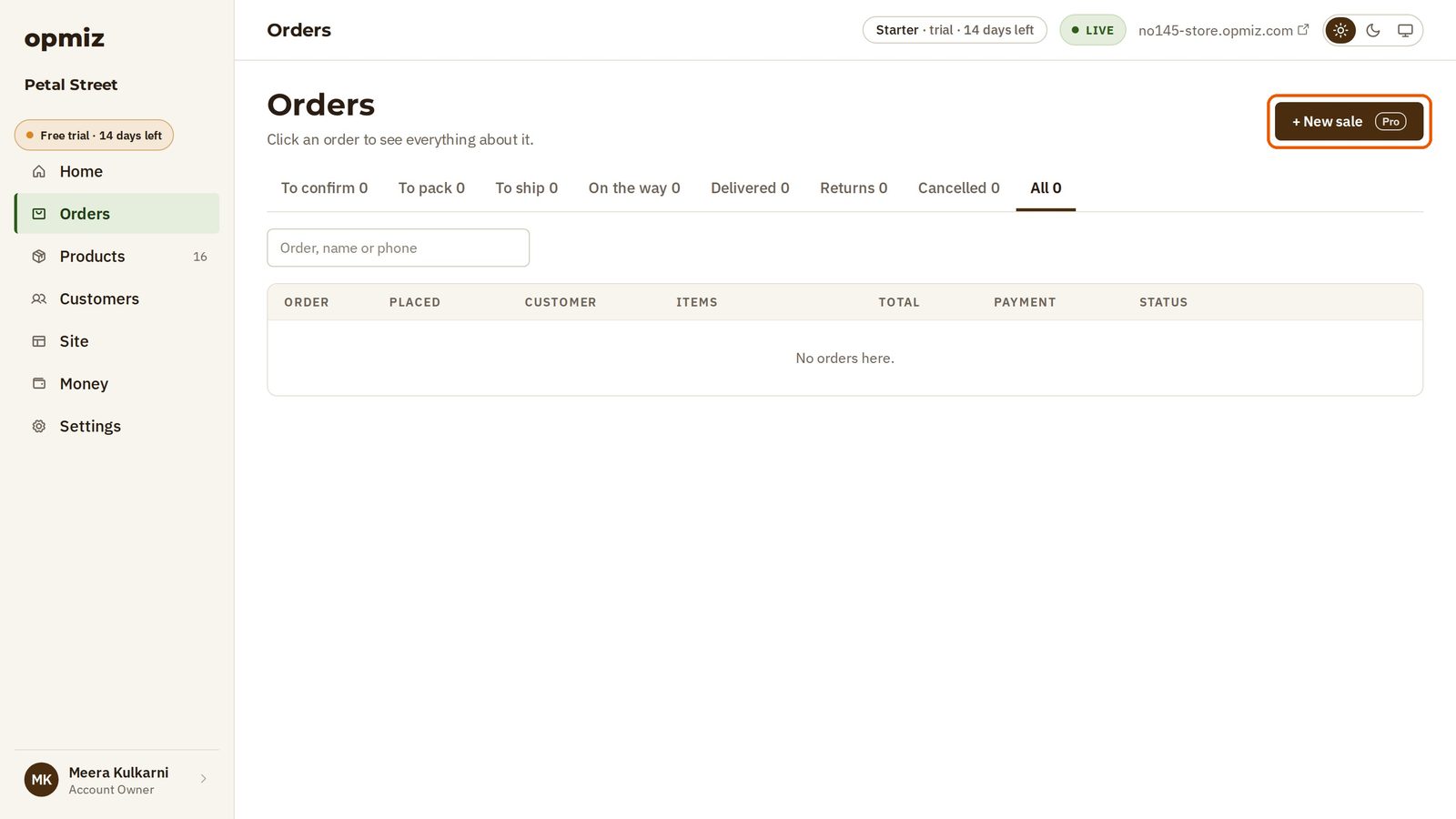
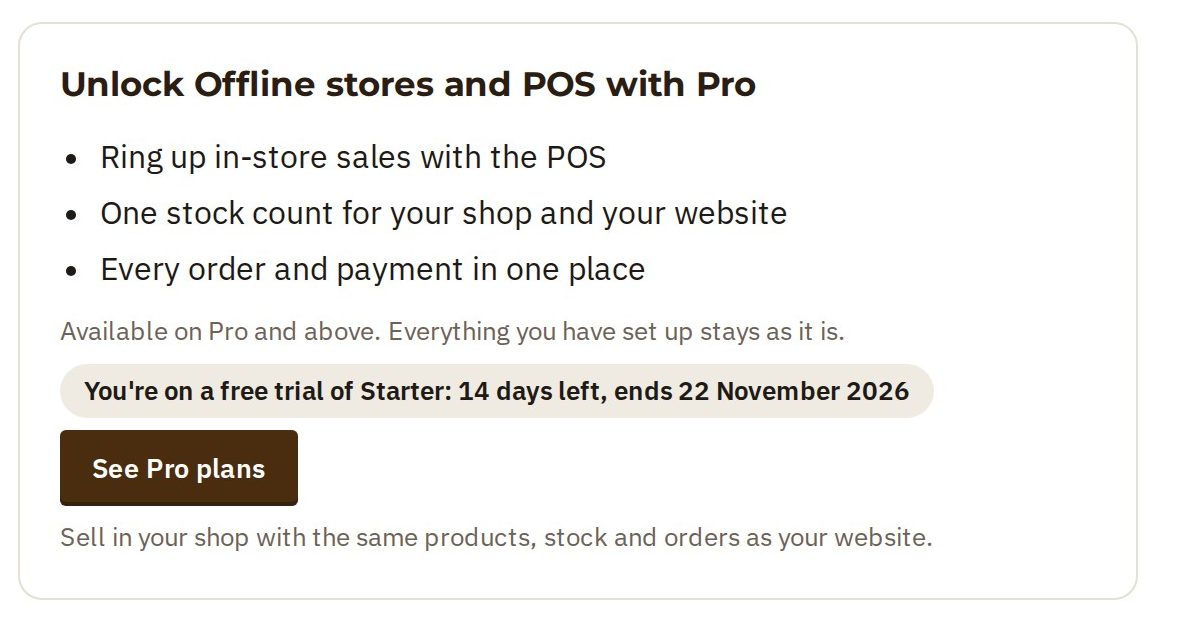
On the Starter plan, it opens a page about Pro instead. It lists what Pro adds for selling in person, with a See Pro plans button.
Ring up a sale
On Pro, + New sale opens the New sale page. Your products are all there, ready to sell.
In the video, Kavya has walked in for a carnation posy.
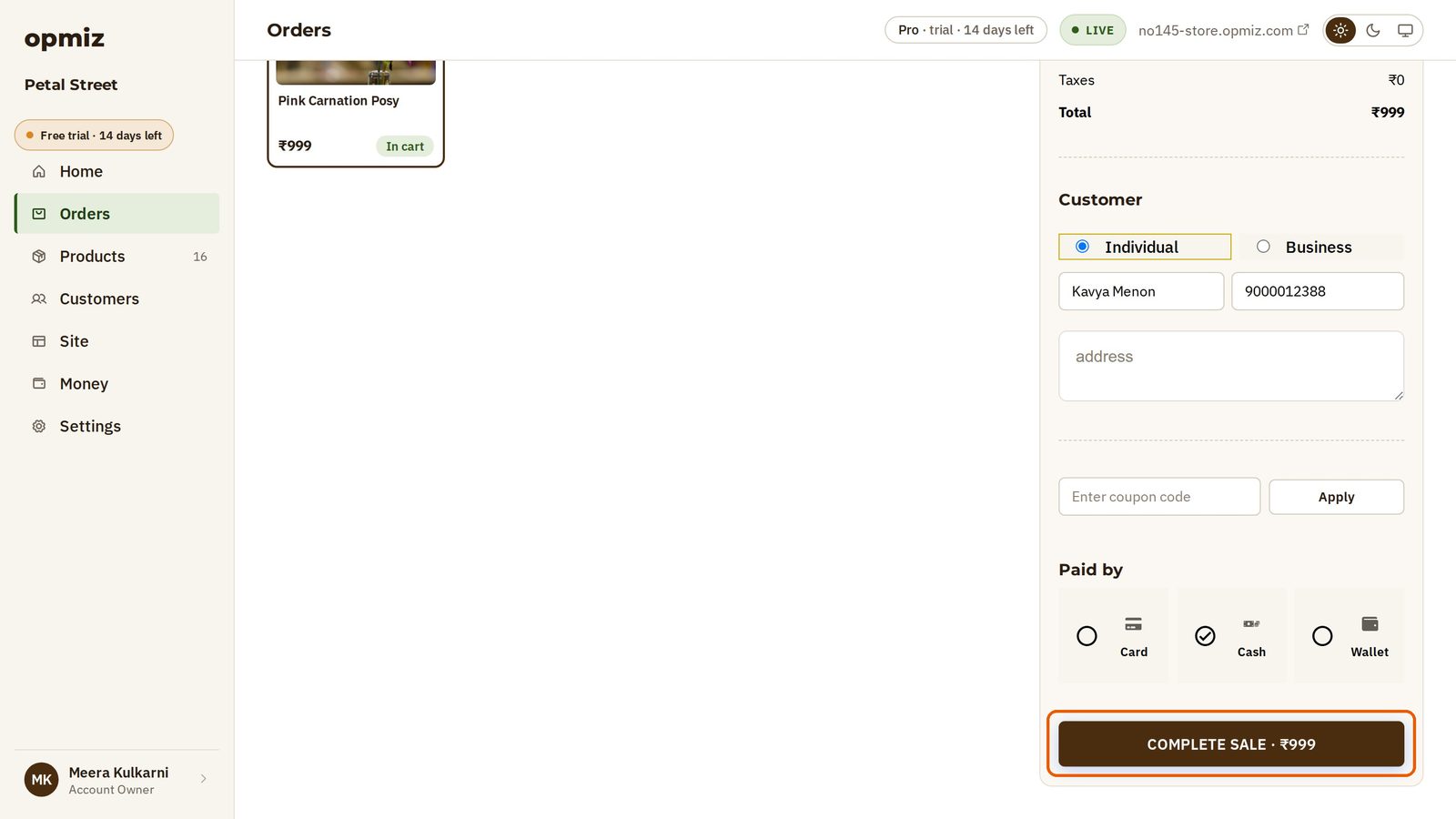
- Type in the Search products or scan a barcode box. Meera types "Carnation".
- Tap the product. One tap puts it in the sale, and it shows In cart.
- Under Customer, add her name, so the sale goes on record against her. Meera also adds her phone number.
- Under Paid by, choose how she paid. Kavya pays in Cash.
- Press Complete sale. The button shows the total.
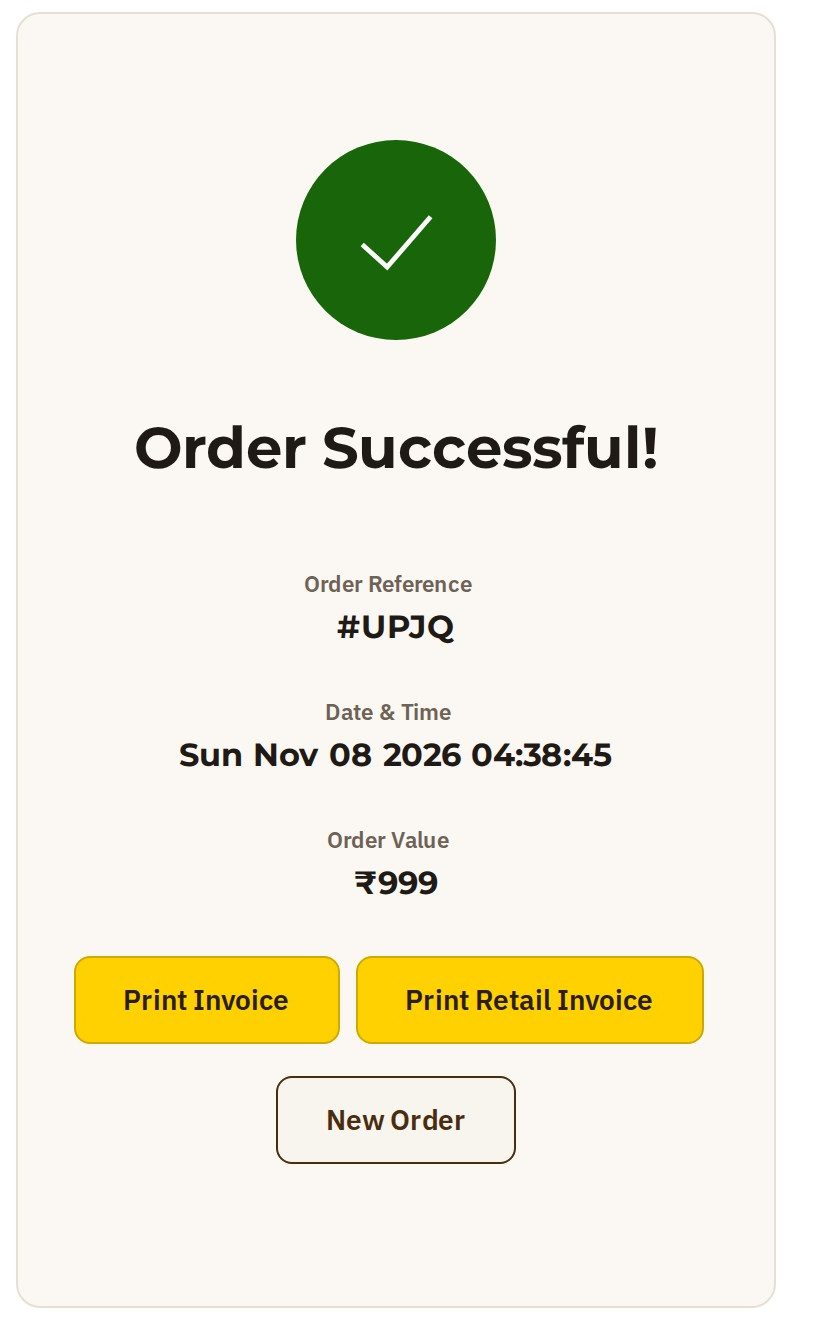
The page says Order Successful!, with the order number, the date and the amount. You can print her invoice right here with Print Invoice.
In your Orders with the rest
The sale is in your Orders, in the same list as your website orders.

Whichever way your customers buy, the orders all end up in one place.
Was this tutorial helpful?
‹ Previous
Find a customer and their ordersNext ›
See what you've earnedAI websites with native commerce. Pages, blog, store, payments and GST invoices in one place, built from a short description.
Start free for 14 days →© 2026 Opmiz · WriterBabu Online Services Private Limited. All rights reserved.
Prices in INR, before 18% GST · Made in Patna, India